
I used to think building a website was a bit like buying a kettle. You pick one, pay once, and that’s that. Then I actually built my first proper site.
Honestly? It was more like moving house. You can plan carefully, keep things sensible, and you will still end up spending money on things you didn’t even know existed. Not because you’re silly, but because websites come with little “oh, that’s a thing?” moments that nobody warns you about.
I remember sitting at my kitchen table with a cup of tea, feeling quietly smug about my budget spreadsheet. By the time I’d sorted the domain, the hosting, the theme that didn’t look like it was built in 2009, and a couple of plugins I convinced myself were essential, I’d spent about twice what I’d planned. It wasn’t a disaster. But I wish someone had just walked me through it honestly from the start.
So that’s what this post is. No guru nonsense, no “launch a money-printing machine this weekend” promises. Just a clear, practical breakdown of what a website actually costs in the UK, so you can plan properly and get started without the nasty surprises.
The Short Answer: It Depends, But You Can Keep It Sensible
The good news is that you can build a basic website in the UK for a surprisingly reasonable amount, especially if you’re willing to start simple. The total cost depends on three things: what kind of site you’re building, how you build it, and what you add on top.
Most beginner side hustle websites fall into one of these “budget lanes”:
Simple starter site (a few pages): roughly £100 to £300 per year DIY. Best for service side hustles or proving a concept.
Blog with basic growth tools: roughly £150 to £500 per year DIY. Best for content sites and affiliate income.
Ecommerce shop: roughly £300 to £1,500+ per year DIY. Best for selling physical or digital products.
If you want someone to build it for you, the ranges jump considerably: from around £500 to £3,000 for a simple site, up to £20,000 or more for a fully built ecommerce shop. That’s why I nearly always suggest proving the idea first, then investing in the bells and whistles once you know it’s working.
The Two Costs You Will Almost Always Pay
Whatever platform you choose, there are two baseline costs that almost every website owner pays.
The first is your domain name. That’s your website address, the bit that ends in .co.uk or .com. A typical UK domain is often under about £13 per year, though promotional first-year prices can be much cheaper and then jump on renewal. Always check the renewal price before you buy. I made that mistake with my very first domain and felt a bit foolish when I realised I hadn’t actually checked the price. Luckily it wasn’t one of those for thousands of pounds.
The second is hosting. Hosting is essentially renting a small patch of the internet for your website to live on. Some platforms bundle hosting into a monthly fee, which keeps things tidy. Others, like a self-hosted WordPress site, require you to buy hosting separately. For beginners, shared hosting plans are usually more than adequate and won’t cost a fortune.

Platform Costs: Wix, Squarespace, WordPress, and Shopify Explained Simply
This is the bit that sends most people into a spiral of browser tabs and confusion. Let me simplify it. Let’s look at the different website platforms.
Website Builders (Wix and Squarespace)
With builders like Wix and Squarespace, you’re paying for simplicity. Hosting is included, security is mostly handled for you, and you’re not fiddling with technical settings at half past eleven on a Tuesday night. These are subscription models, not one-off purchases. UK pricing guides commonly quote Squarespace starting at around the low teens per month, with costs scaling upwards for ecommerce features. Pricing changes regularly, so always check their official pages for the current rates.
WordPress.com
WordPress.com is the hosted, packaged version of WordPress. It bundles hosting and handles the technical maintenance for you, which makes it a calmer starting point if you want the WordPress experience without the technical headache. There are free and paid tiers, and the paid plans unlock more features and customisation.
Shopify (For Selling Products)
If your side hustle involves selling products and you want a platform built from the ground up for that purpose, Shopify is the obvious starting point. Their UK pricing is clearly laid out on their pricing page, and you can see the difference between monthly and annual billing at a glance.
The Costs Nobody Warns You About (And How to Spot Them Early)
This is the section I wish someone had handed me before I set my very first budget. Because here’s what actually happened.
I bought the domain. Then I bought the hosting. After that, I installed WordPress and felt enormously pleased with myself. Then came the slow trickle: a paid theme because the free one looked dated and probably wasn’t secure, a professional email address because using gmail felt unprofessional, a plugin that promised to make everything easier, and a couple of extras that were only £20 or £30 each but added up quietly. None of them were outrageous purchases on their own. Together, they doubled my costs.
Here are the add-ons you should know about before you finalise your budget:
Paid theme or template: £0 to £80 or more. Not always needed on day one. I tried a few then found GeneratePress. I have not changed since. It is not pricey, it is quick and pretty easy to use.
Premium plugins or apps: £0 to £30 or more per month. Usually optional at the start. Again I’ve been through a few which I no longer use. I just pay for a couple now that I use on different sites.
Professional email: Often £5.90 or more per user per month, plus VAT. Google Workspace is a popular choice for this.
Stock photos: £0 to £30 or more per month. Free options like Unsplash are a perfectly good starting point. Another mistake I made was signing up for a year. Don’t get me wrong they were great images and before the days of AI but I was paying for something I didn’t actually need.
Logo or branding help: £0 to £300 or more. Optional early on.
Maintenance and support: £0 to £50 or more per month. Not usually needed straight away.
The key is not to eliminate all of these, but to know they exist before you set your budget. That way, the invoice doesn’t come as a surprise.

Three Realistic Starting Budgets (So You Can See Where You Fit)
Let’s put some real numbers on this. Not fantasy. Not worst case. Just three sensible scenarios that reflect how most people in your position actually start out.
The “I Just Need to Exist Online” Plan
Maybe you’re offering a service, such as tutoring, consulting, or virtual assistant work, and you simply need somewhere to point people. A domain at around £10 to £15 per year, a basic platform plan at roughly £10 to £20 per month, and an optional professional email from around £5.90 per user per month puts you somewhere between £150 and £350 per year. Simple, calm, and perfectly sufficient to get started.
The “I’m Building a Blog for Long-Term Income” Plan
If you’re building a blog to generate affiliate income or ad revenue over time, you’ll want a platform that’s genuinely good at blogging, a clean theme, and perhaps a couple of tools to make life easier. A sensible starting budget here is £200 to £500 per year. That gives you room to do things properly without overcommitting before you’ve tested the idea.
The “I Want to Sell Products” Plan
For ecommerce, Shopify is the most straightforward starting point and their UK pricing is transparent on their website. Once you factor in a paid theme or design tweaks, one or two apps, and payment processing, a realistic beginner ecommerce budget is often £300 to £1,500 or more per year. You can do it cheaper, but cheaper usually means more time doing things manually. Time is a cost too, even if it doesn’t show up on a bank statement. I personally don’t do this.
Should You Hire a Designer or Build It Yourself?
Here’s my honest opinion on this.
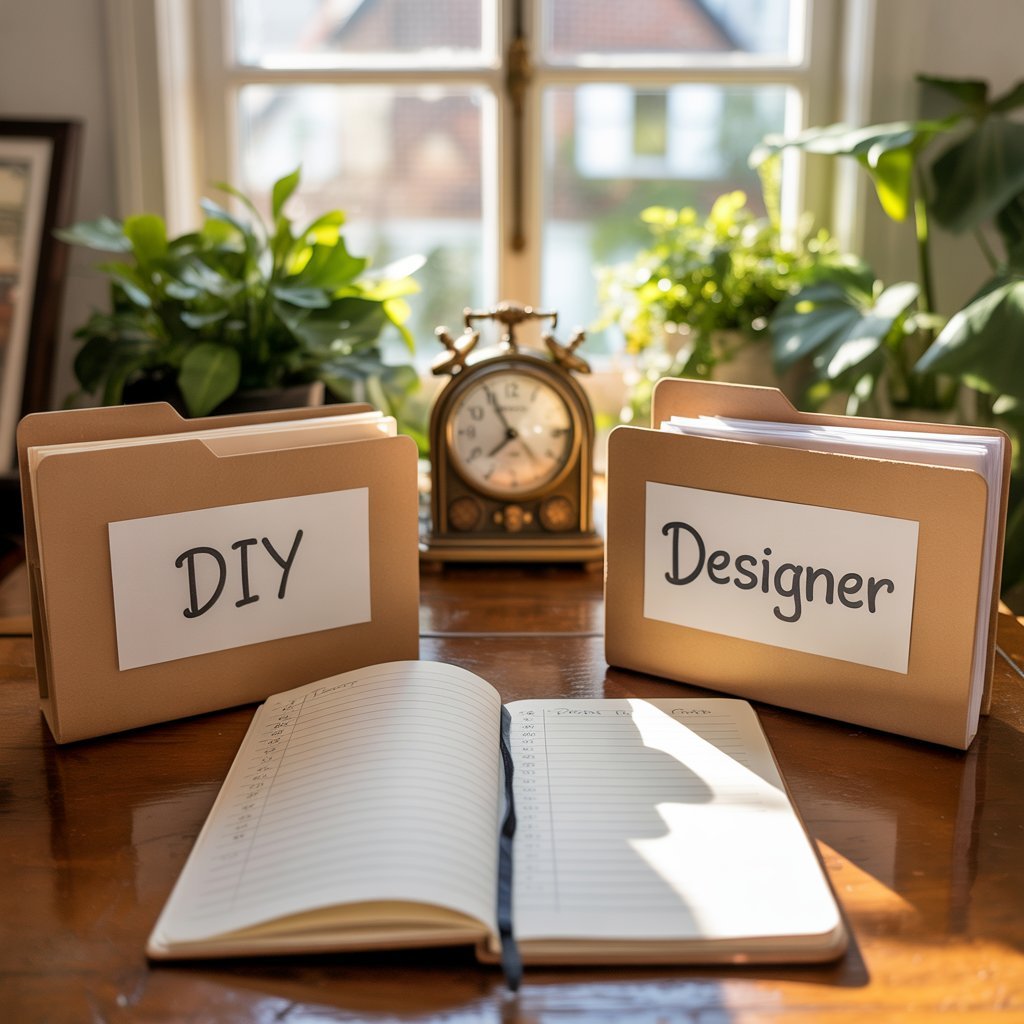
If you’re in the early stages of a side hustle, I think it’s almost always smarter to prove the idea first and invest in a polished website later. A professionally designed site can cost hundreds to thousands of pounds. That’s a significant commitment before you’ve tested whether the business works.
Hiring a designer makes sense if you know you’ll abandon the project without it, if you need instant credibility in a particular field, or if you’re launching to an existing audience who already know your name. Outside of those situations, I’d encourage you to start small.
Here’s the simple test I use: if spending £1,500 today would make you a bit nervous, don’t spend £1,500 today. The website doesn’t need to be perfect. It needs to exist and be useful.
You might also find that you’re good at it and you really enjoy it. I love building websites. I probably should try doing it for a living!
A Quick Word About Those “£70 a Year” Website Claims
You’ll see these everywhere, and they’re not always lies. They’re just incomplete. Promotional first-year prices can genuinely be that low. The domain deal that sounds wonderful might renew at three times the price. The “free” hosting might come with limitations that make it unusable within a few months.
Whenever you’re comparing options, always look for the renewal price rather than just the first-year offer, check exactly what’s included (SSL, backups, email, support), and check whether you can move platforms later without too much hassle. Those three things will save you a lot of bother down the line.
This is something you will probably compromise on. Be wary of blog posts (like this one) recommending hosting as they may just recommend ones that give them a good payout. Do a bit of research here and don’t just pick the first one you stumble across.
What I Would Do If I Were Starting Again Right Now
If a friend in your situation sat across from me and asked where to begin, this is exactly what I’d say. Pick the simplest platform you can actually see yourself sticking with. Buy a domain you won’t cringe at in a year’s time. Build a basic online home: an About page, a Contact page, and one genuinely helpful blog post or service description. Then add features only when the business genuinely needs them.
That’s it. No drama, no grand launch strategy. Just a calm, steady start that you can build on once you’ve seen what actually resonates with people.
The website you’ll actually use and keep showing up for is worth far more than the beautiful one you build once and then quietly stop updating.

What’s Your Biggest Website Budget Worry?
If this post helped you see the numbers more clearly, your next step is simply to decide which setup path feels right for you. You might also find other posts on this site useful as you work through the decision:
Before you go, I’d love to hear from you in the comments: What is the one website cost that caught you off guard, or what are you most worried about forgetting to budget for? Even if you haven’t started yet, drop a question below. You’re almost certainly not the only one wondering about it, and someone else’s answer might be exactly what you need to hear.